BetPKR APK Not Installing? Common Problems and Fixes
A BetPKR APK not installing does not always mean that something is wrong with the phone.
- Author
- BetPKR Editorial Team
- Published
- Updated
- Reading time
- 2 min read
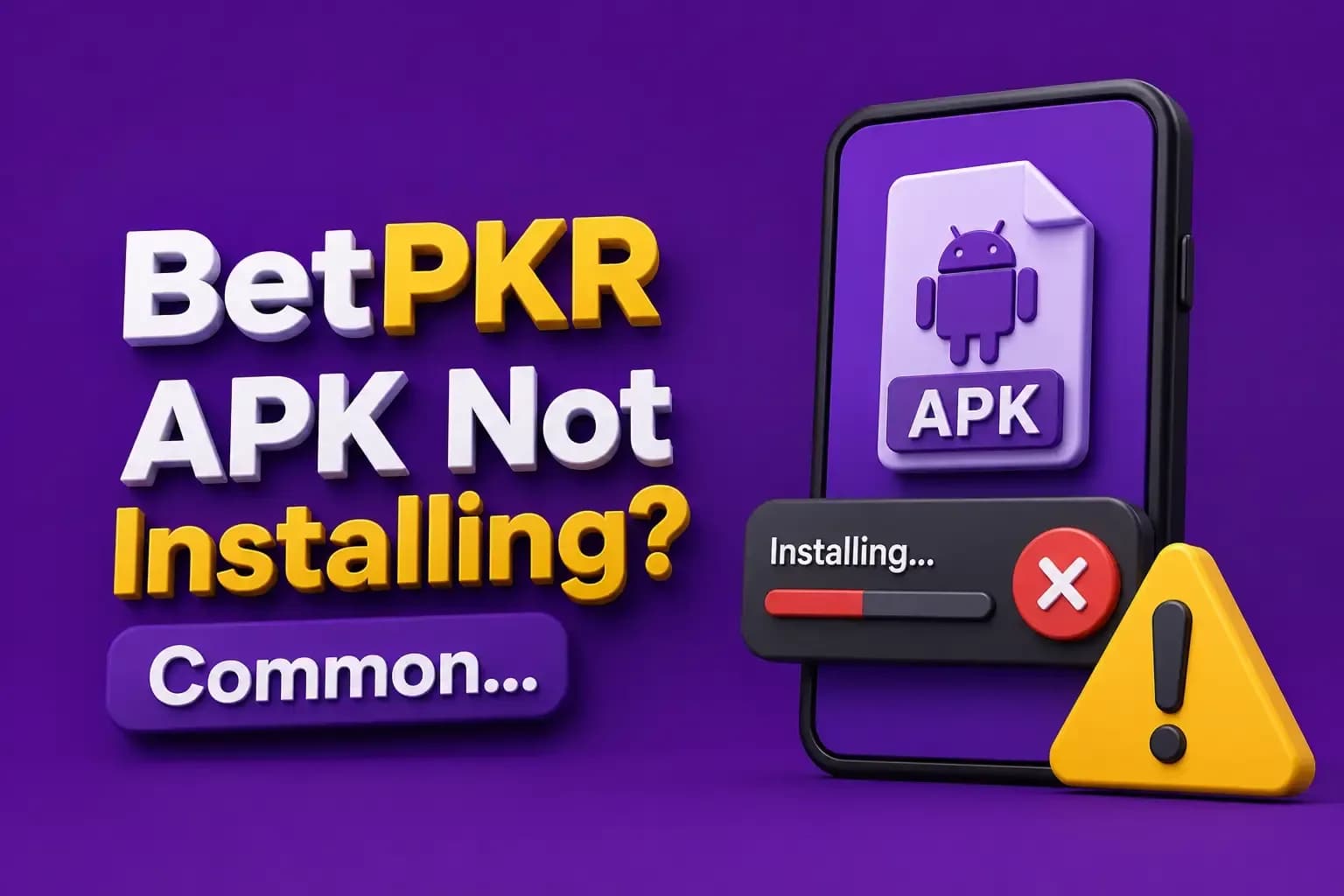
A [[/download|BetPKR APK]] not installing does not always mean that something is wrong with the phone. Android may block the file because of source permissions, insufficient storage, file corruption, device incompatibility, or a security warning. Do not solve every installation error by switching off device protection.
Check Whether the APK Finished Downloading
An interrupted connection can create an incomplete file. Open the Downloads folder and check whether the download actually completed. If the file looks incomplete, delete it, reconnect to a stable network, return to the verified download source, and download it again. Avoid downloading five different BetPKR APK files from unrelated websites.
Check Available Storage
Android needs enough free space to download, unpack, and install an application. Delete unnecessary videos, duplicate files, old APKs, cached downloads, and unused apps.
Check Android Compatibility
A newer APK may not support an older version of Android. Likewise, a particular file may not work correctly on every device architecture. Check the current requirements of the file you are installing.
Allow Installation From the Required Source
Android may ask whether the browser or file manager used to open the APK is allowed to install apps. Follow the current device prompt carefully. Do not disable unrelated security protections permanently.
Security Warning During Installation
Take unexpected warnings seriously. Check source, filename, whether the download was expected, requested permissions, and whether you may have downloaded a modified version.
“App Not Installed” Error
Possible causes include corrupted APK, incompatible Android version, conflicting existing installation, insufficient storage, or security restriction.
Existing BetPKR Version Conflicts
If another version is already installed, Android may reject an APK when package or signing information does not match. Do not uninstall your existing application until you know your login details and understand whether account information is safely stored online.
Avoid Mod or Hack APKs
A modified file may promise unlimited balance, bonus unlock, guaranteed Aviator results, withdrawal bypass, or VIP access. These promises create both security and account risks.
APK Installs but Will Not Open
Restart your phone, check internet connection, free device memory, update Android components, and check whether the current app supports your device.
BetPKR APK on iPhone
APK files are intended for Android. If you use an iPhone, read the [[/ios|BetPKR iOS Guide]] rather than trying to install an Android APK.
Conclusion
When the BetPKR APK is not installing, check the file, storage, compatibility, installation permission, and security warnings in a logical order. Avoid modified versions and do not sacrifice device security just to complete an installation.
FAQs
The cause may be file corruption, storage problems, compatibility, conflicting versions, or security restrictions.
Do not permanently disable protection simply to install an APK.
A random source increases the risk of receiving an altered file.
Compatibility, memory, connectivity, or application problems may be responsible.
Deleting an installation file is different from deleting an online account, but make sure you know your login details before making major app changes.