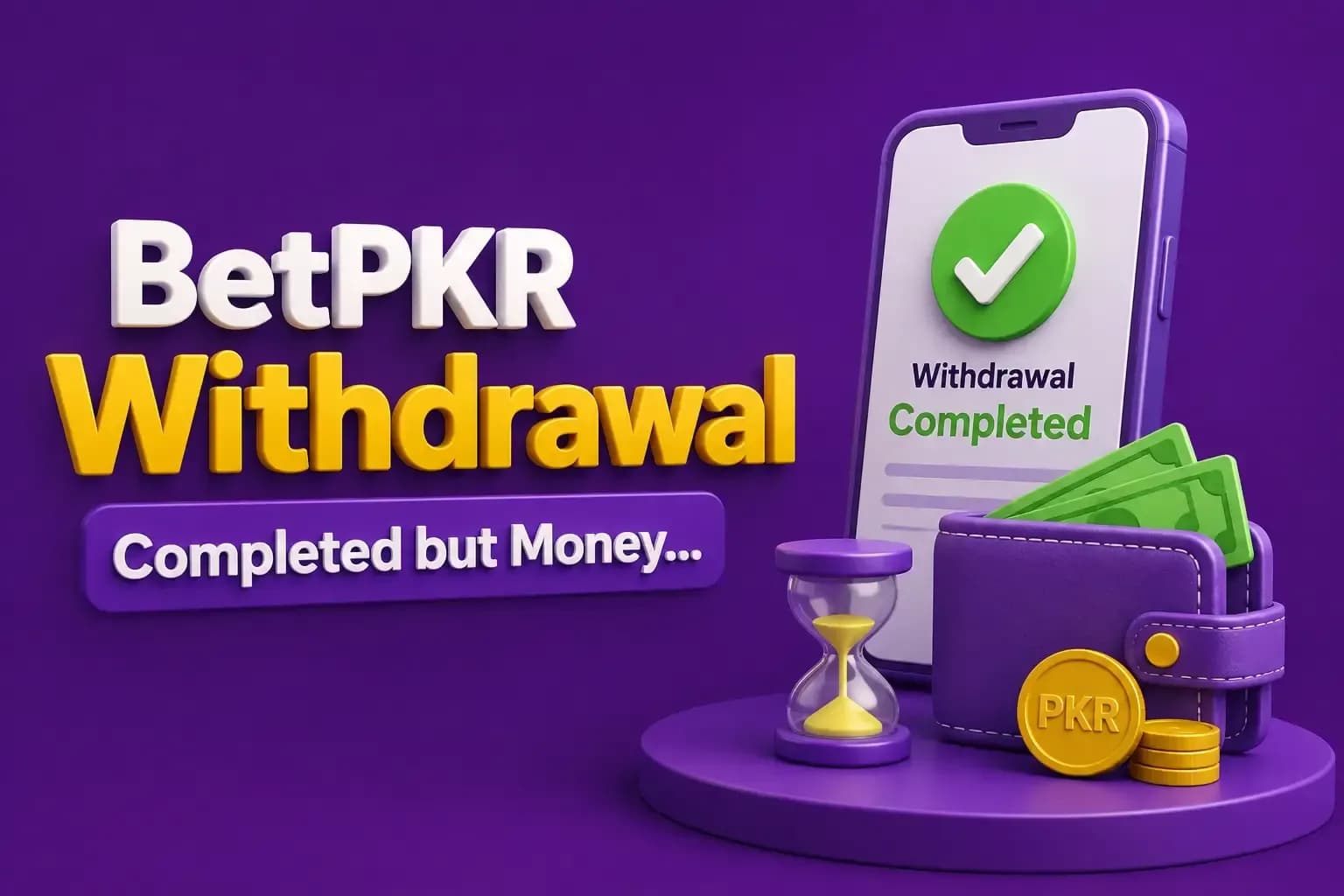
BetPKR Withdrawal Completed but Money Not Received
Seeing Completed next to a BetPKR withdrawal can be confusing when the money has not appeared in the receiving JazzCash, Easypaisa, or other payment account.
- Author
- BetPKR Editorial Team
- Published
- Updated
- Reading time
- 2 min read
Seeing Completed next to a BetPKR withdrawal can be confusing when the money has not appeared in the receiving JazzCash, Easypaisa, or other payment account.
A completed status may mean that the gaming platform has finished its part of the request, but you still need transaction evidence to determine what happened afterward. Do not submit several new withdrawals before checking the first one.
Check Your Receiving Account
Open the wallet or payment service selected for the withdrawal. Review transaction history instead of relying only on notifications. Check current balance, incoming transactions, date and time, account number, and payment messages.
Confirm the Withdrawal Number
Check which payment number or account was linked to the request. Compare it carefully with your actual JazzCash or Easypaisa account.
Save the Completed Withdrawal Screenshot
Take a screenshot showing completed status, withdrawal amount, request date, and withdrawal ID where available. Do not crop out details that may be needed during a support review.
Find the Withdrawal ID
A transaction or withdrawal reference helps support locate a specific request. Save it along with the account details and amount. Avoid posting the full information publicly.
Wait for Payment-System Processing
Platform status and mobile-wallet settlement are not always the same process. Because processing conditions can vary, do not depend on a random website promising a specific number of minutes.
Contact BetPKR Support
A useful report includes withdrawal ID, amount, date and time, selected payment method, completed-status screenshot, and receiving account information where safe to provide. Ask whether there is an outgoing payment reference that can be checked with the wallet provider.
Contact JazzCash or Easypaisa When Appropriate
If BetPKR provides evidence that a payment was sent, the receiving payment provider may be able to check the transaction reference. Never give anyone your wallet PIN.
Completed vs Pending Withdrawal
Pending
The request may still be processing, under verification, waiting for review, or affected by current account conditions.
Completed
The platform is indicating that its withdrawal process has finished. At this point, transaction evidence becomes particularly important if the money has not reached the receiving account.
Beware of Withdrawal Release Scams
Be cautious of claims such as “pay tax to unlock it”, “send security fee”, “upgrade VIP first”, “share OTP for release”, or “pay agent commission privately.”
Prevent Future Withdrawal Problems
- Verify your wallet number.
- Check account-holder information.
- Review current withdrawal conditions.
- Save the request ID.
- Take a screenshot.
- Keep records until the money arrives.
Conclusion
When a BetPKR withdrawal is completed but money is not received, focus on evidence rather than making repeated requests. Check the receiving wallet, verify the account number, save the withdrawal ID and screenshot, and contact the relevant support channels when needed.
FAQs
Possible causes include payment settlement delays, incorrect receiving details, wallet-side issues, or another transaction problem that needs investigation.
It is better to investigate the missing transaction first.
Keep the withdrawal ID, amount, payment method, time, and screenshot.
Do not make private payments unless the requirement is independently verified.
Yes, especially if you have an outgoing transaction reference that the provider can investigate.